
15 Tips to Prolong Your Laptop Battery Life
Laptop Battery
5) Keep your laptop cool
One of the easiest ways to help your laptop battery life is by keeping it cool. This can be done by using a laptop cooling pad, or by placing it on a hard surface (rather than a soft one) and making sure there's adequate ventilation. It's also important that you don't use your laptop on your bed or any other soft surface - this will cause the fan to work harder, which in turn will make your battery life shorter. If you need to use your computer while it's charging, make sure that you unplug it from the power source when you're not actively using it!
6) Avoid using unnecessary applications
1. - Turn off your wireless connection when you are not using it. The wireless connection drains the battery, and if you turn it on and then forget to turn it off again, you can use up a lot of power very quickly.
2. - Dim your screen as much as possible without making it difficult for you to see what is on the screen. The brighter your screen is, the more power is used.
3. - Close any programs that are running in the background that you are not using or need at this time so they do not run in the background unnecessarily draining your laptop's battery life away while you're working on something else
7) Turn off WiFi and Bluetooth when not in use
Turning off WiFi and Bluetooth when not in use can save your battery life. For example, if you are on a train for an hour and don't need WiFi, then turn it off. This will conserve battery power. Bluetooth also uses up battery life so just remember to turn these both off when you're not using them.
8) Don't use live wallpapers
Live wallpapers are beautiful, but they can drain your battery life. Choose a background image that's simple and doesn't have a lot of movement. Also, turn off automatic syncing for wifi, bluetooth and location services when you're not using them. You can also reduce the brightness on your screen or plug in your laptop while it's not in use to save energy. And don't forget to shut down all programs running in the background once you're done using them!
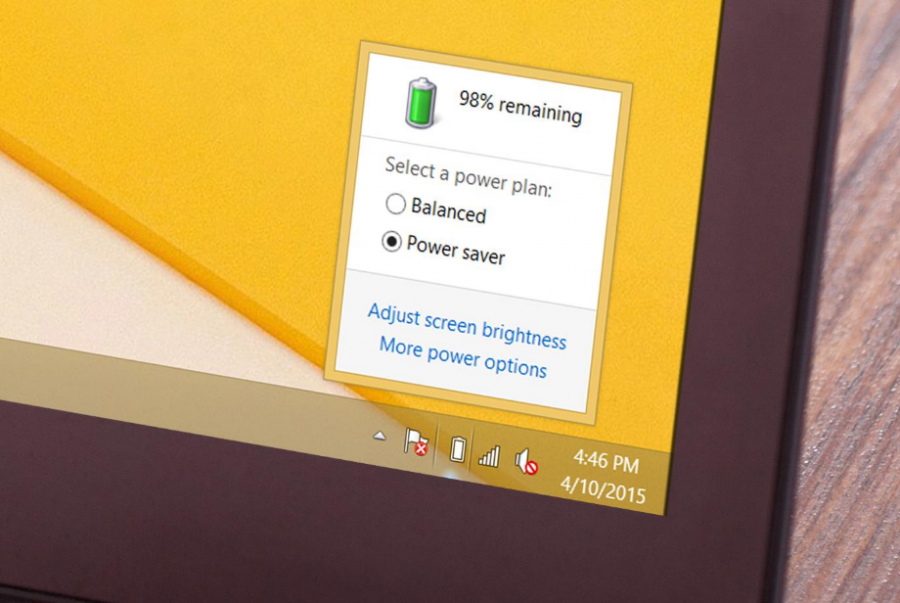
9) Adjust your laptop's power settings
One of the easiest ways to lengthen your battery life is by adjusting your laptop's power settings. If you're using a Windows PC, open up the Control Panel and click on Power Options. Click on Choose what the power button does and then select Shut down when I press the power button.
If you're using a Mac, go into System Preferences and go to Energy Saver. Select Computer sleep and set it for a period of time that suits your needs. You could also select an option like Turn display off after __ minutes or Put hard disks to sleep when possible. This will reduce energy usage without putting much strain on your system at all.
Read more info "15 Tips to Prolong Your Laptop Battery Life" on the next page :
Editor :Techno Guide
